


🎉 You’ve Applied! What to Do After Submitting Your U.S. College Applications:




🎉 You’ve Applied! What to Do After Submitting Your U.S. College Applications:
Congratulations! Submitting your college applications is a huge milestone—and you should be proud of how far you’ve come. While the hardest part is over, there are still important post-application steps that can make a real difference in ensuring your application is reviewed smoothly.
Below is a complete checklist of what to do after you hit submit 👇
✅ 1. Send Official Test Scores (If Required)
If you chose to submit test scores, make sure they are sent officially from the testing agency’s website:
SAT / ACT
TOEFL / Duolingo English Test (DET)
Self-reported scores are not always sufficient, even if you entered them in the application. Double-check each school’s policy to confirm whether official scores are required. If there aren’t clear instructions, it is better to send official scores to be safe.
📬 2. Check Your Email & Portals Daily
Within a few days (or weeks), colleges will email you instructions to access their applicant portals.
Log in to every single university portal
Confirm your application status is marked as complete
Watch for missing documents, forms, or updates
Politely follow up with counselors/teachers if needed
📌 Tip: Add college emails to your safe sender list so nothing goes to spam.
🕰️ 3. Waitlisted or Deferred? Send Updates
If you’re deferred (usually Early → Regular) or waitlisted, don’t panic—this is common.
Some universities allow or encourage a Letter of Continued Interest (LoCI):
Submission may be through the portal or by email
Each school has its own rules—check carefully
Refer to our LoCI Guide for what to include (updates, achievements, continued interest)
A strong, well-timed LoCI can help reinforce your enthusiasm.
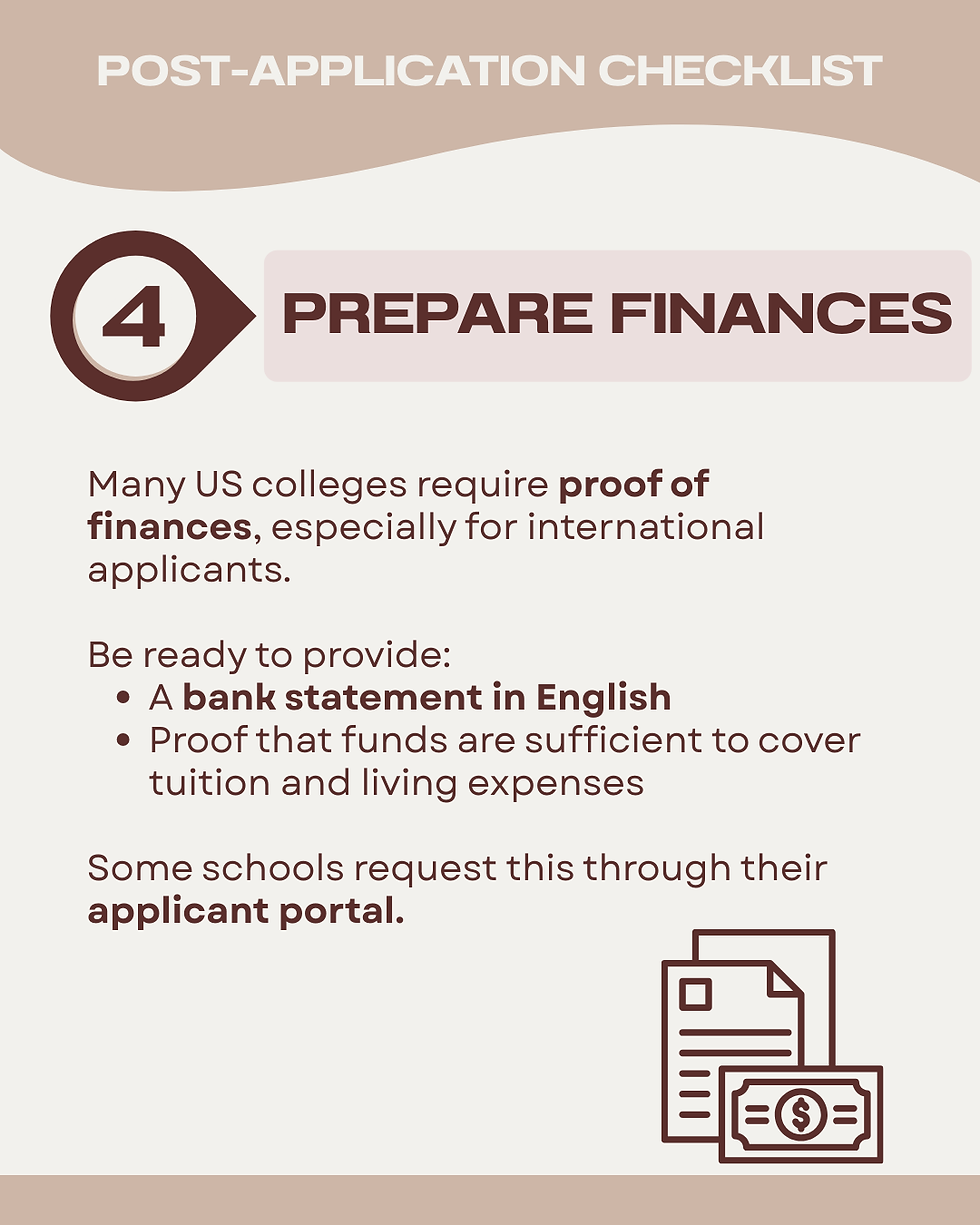
💶 4. Prepare Financial Documents
Many U.S. colleges require proof of finances, especially for international applicants.
Be ready to provide:
A bank statement in English
Proof that funds are sufficient to cover tuition and living expenses
Some schools request this through their applicant portal.
💰 5. Financial Aid Applicants: FAFSA & CSS Profile
If you applied for financial aid, make sure you’ve completed all required forms:
FAFSA (for eligible students)
CSS Profile (required by many private colleges)
Important:
Each school may have different deadlines
Some schools require additional institutional forms
Always confirm submission status in each school’s portal & FAFSA website. Some schools may require additional essays for merit-based scholarships.
🤝 6. Be Ready for Alumni Interviews
Some colleges offer or assign alumni interviews as part of the review process.
Interviews assess communication and interpersonal skills
Being contacted is often a positive sign
Not receiving an interview is normal and usually random
Some schools require video essays – only submit if mandatory or if you’re a confident speaker.
Contact Paschar for a detailed Interview Guide.
❓ FAQ: Documents You Do NOT Need to Send (Yet)
You do NOT need to submit the following unless you are accepted and the school specifically requests them:
12th grade AP score reports
12th grade second-semester final transcript (or final IB score)
Supplemental portfolios or papers (unless the school accepts them)
Sending these early is unnecessary and won’t speed up decisions.
🌟 Final Reminder
After applications are submitted, the key is organization, patience, and follow-through. Stay on top of portals, respond promptly to requests, and trust the work you’ve already done.
You’ve taken a major step toward your future: now let the process unfold. 🍀
If you need help with LoCIs, interviews, or decision strategy, we’re here for you.
🗨️http://pf.kakao.com/_Lbcxhj/chat


Comments